

●Lokuma 设计智能体
为您的 AI 打造的设计师
为您的 AI 提供设计智能层。将原始 AI 输出转化为结构化、优雅的设计。
有 Product Hunt 代码?在这里兑换
curl -fsSL https://skills.lokuma.ai/install.sh | bash立即尝试
添加 API 密钥以获得完整访问权限
AI 智能体正在使用 Lokuma 将请求转化为结构化设计
收到智能体请求
优化首页布局层级
已执行
收到智能体请求
为 Joe's Pizza 生成落地页
已执行
收到智能体请求
完善间距与排版
处理中
适配您的 AI 智能体
 Cursor
 Claude Code
 OpenClaw
 Codex
CodexAI 设计的差距
您的 AI 会写代码 Lokuma 让它拥有设计感
AI 可以在几秒钟内生成页面。但仅靠生成并不能创造好的设计。如果没有布局、层级和视觉平衡,AI 输出很快就会变成噪音。Lokuma 为您的 AI 配备了一名设计师。
Lokuma 如何提升 AI 生成的设计
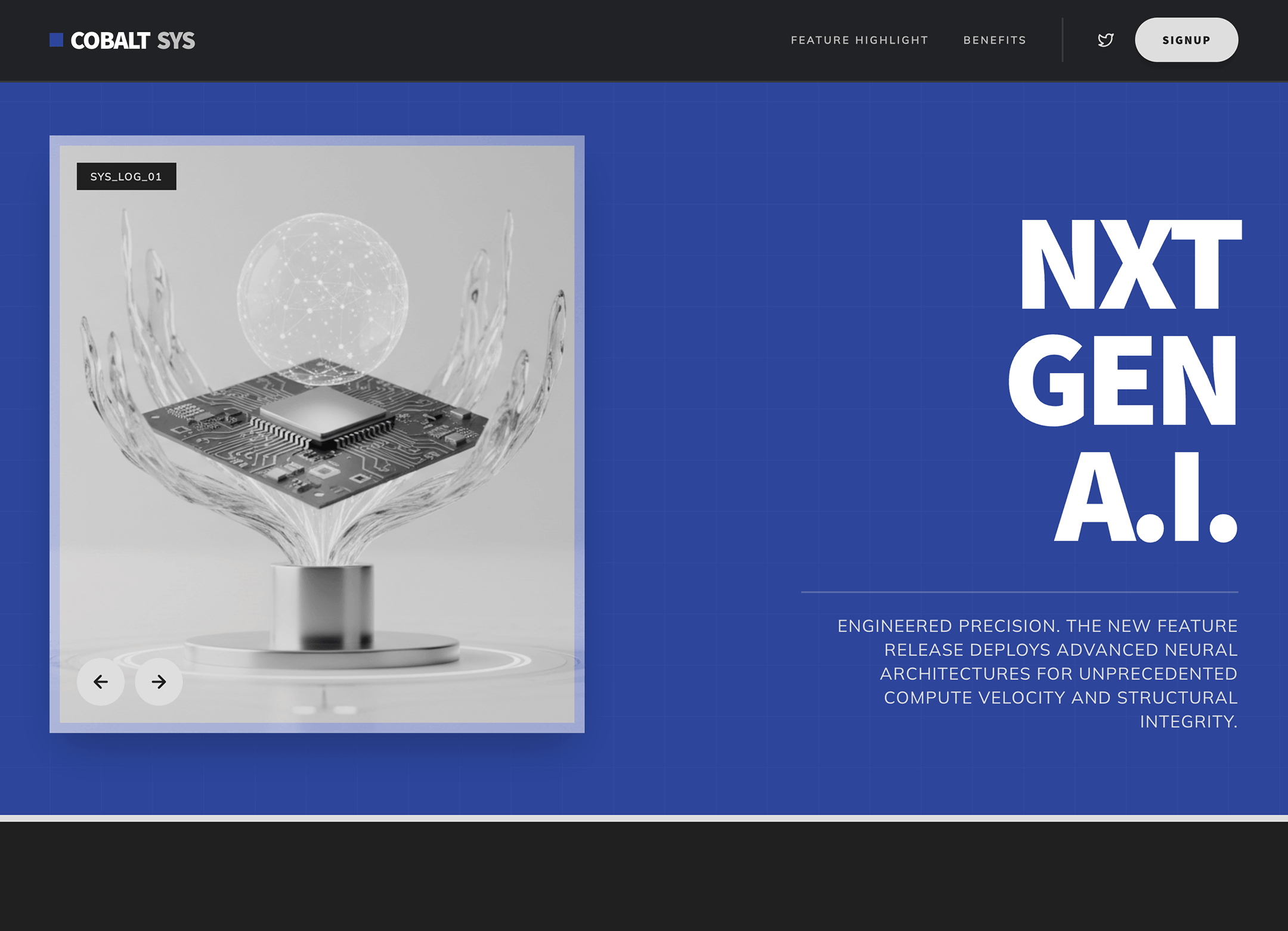
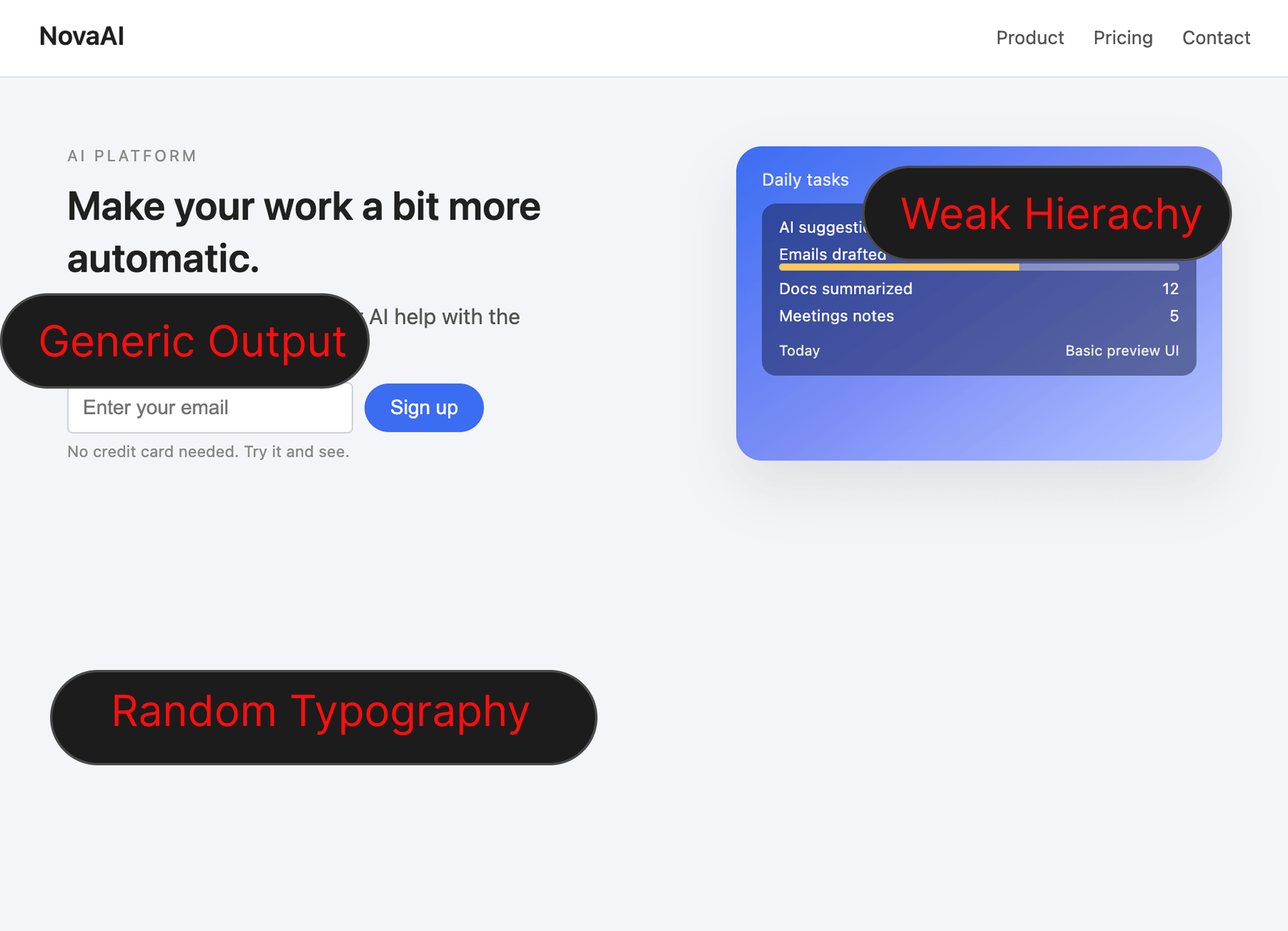
未使用 Lokuma
已使用 Lokuma
↔
通用 AI 输出
Lokuma 设计智能体
AI 集成
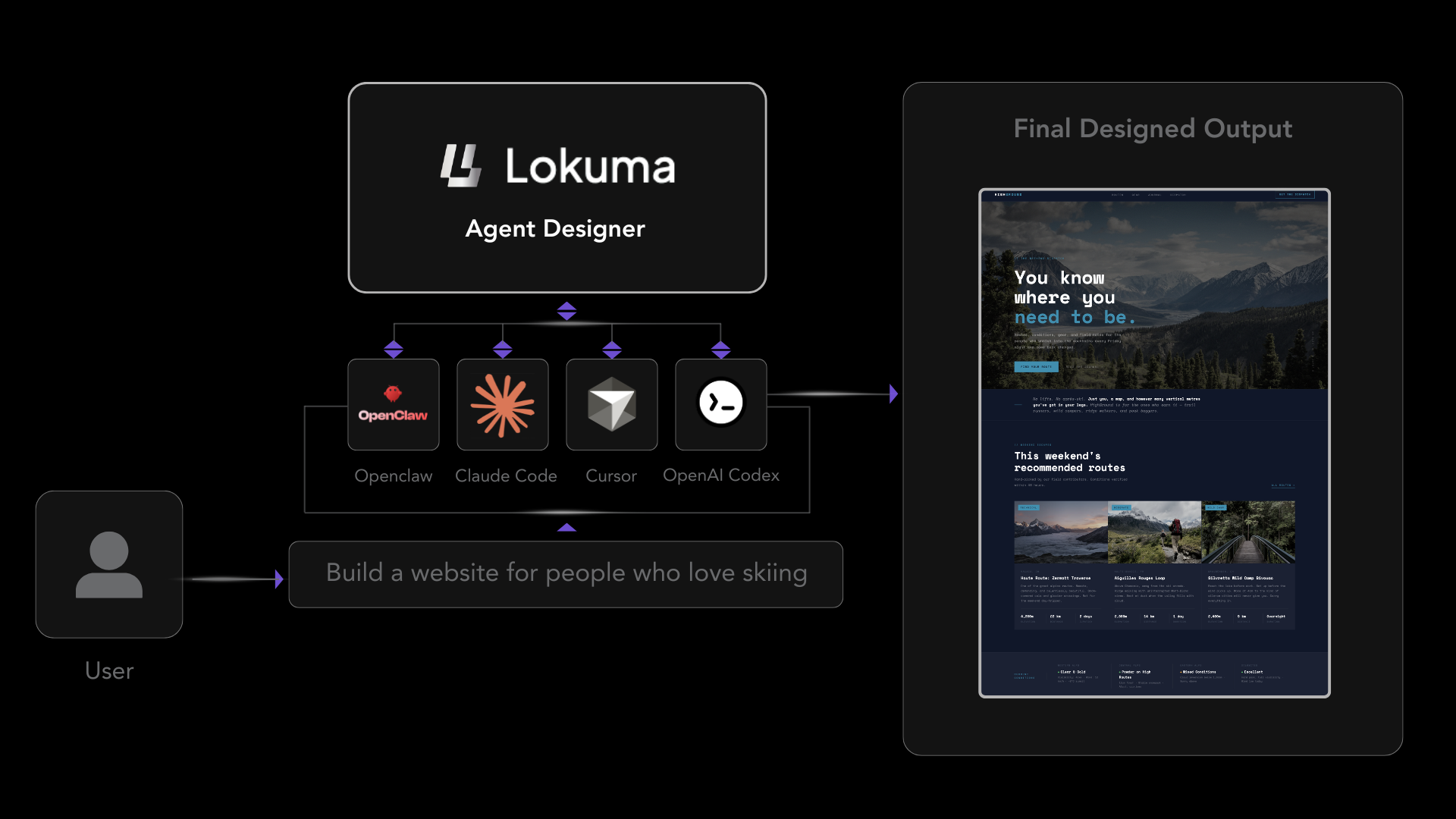
适配您的 AI 智能体
支持 Claude、Cursor、OpenClaw 等。您的 AI 智能体可以将 Lokuma 作为内置设计智能体进行调用。
设计能力
为 AI 打造的设计智能
直接内置于智能体中的完整设计推理能力套件。
设计规划
在应用任何像素之前,从语义上理解目标并构建页面结构。
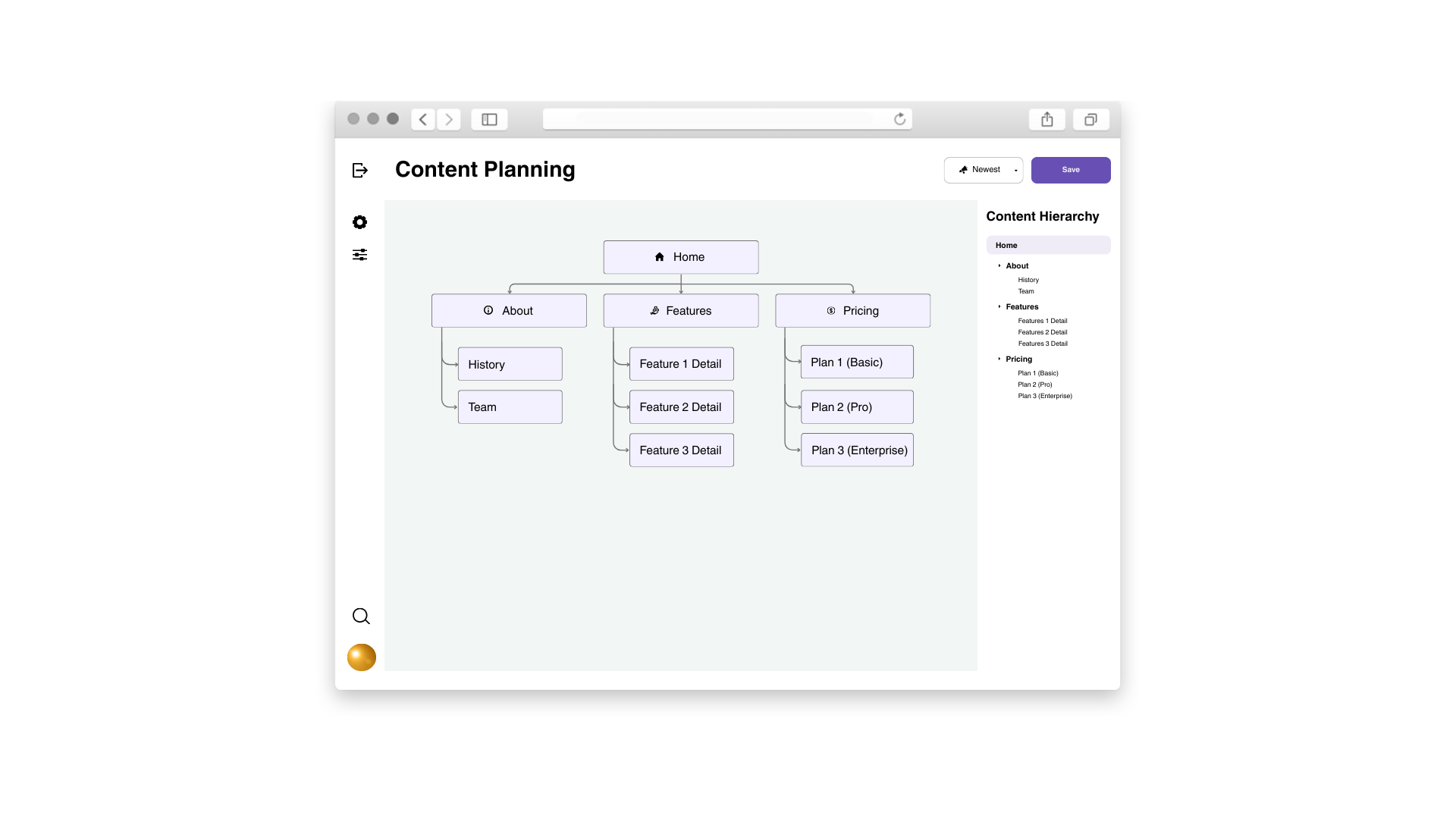
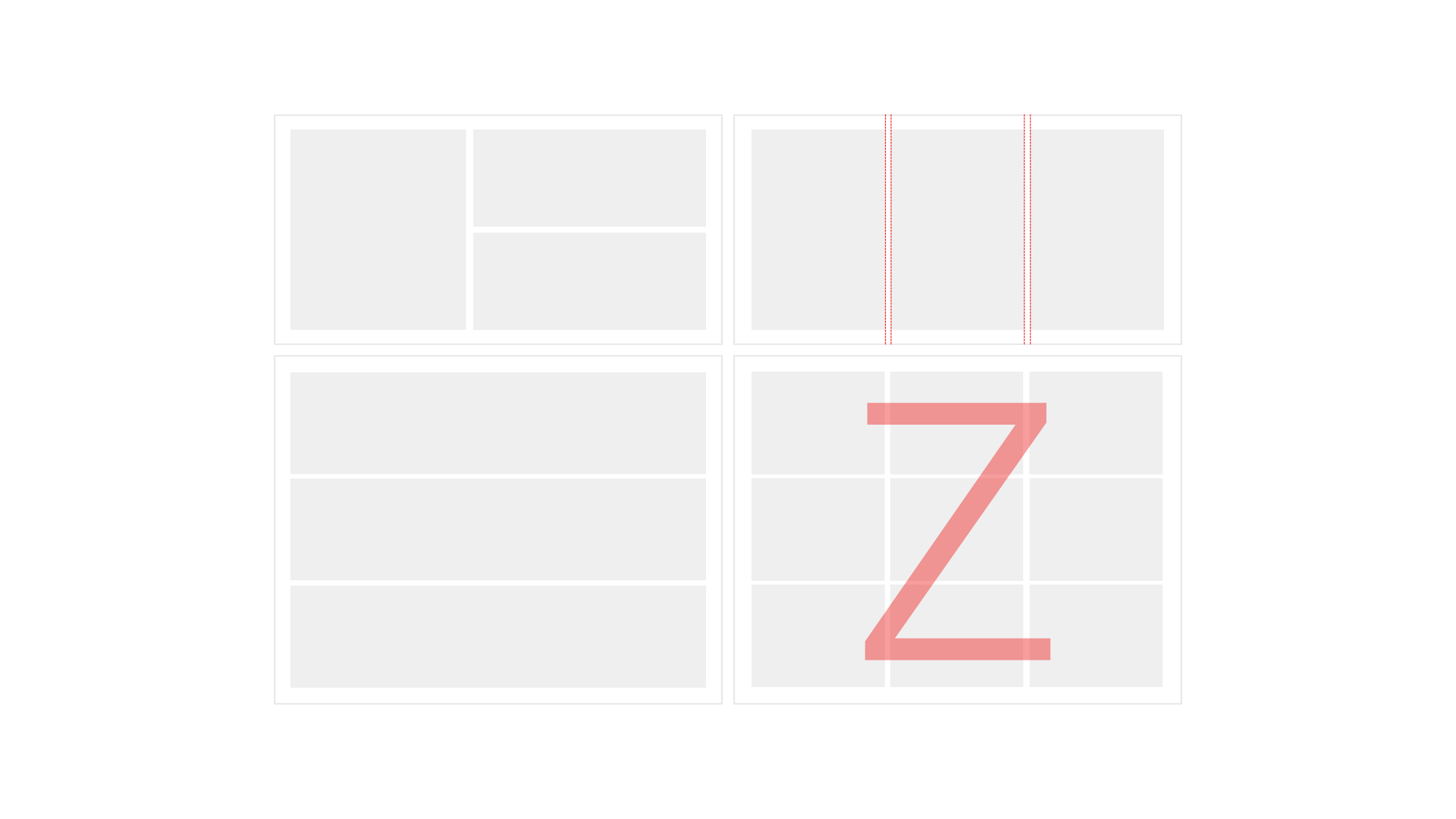
布局构图
创建视觉平衡的布局和清晰的层级结构。
排版系统
提升可读性、行高和字体比例。
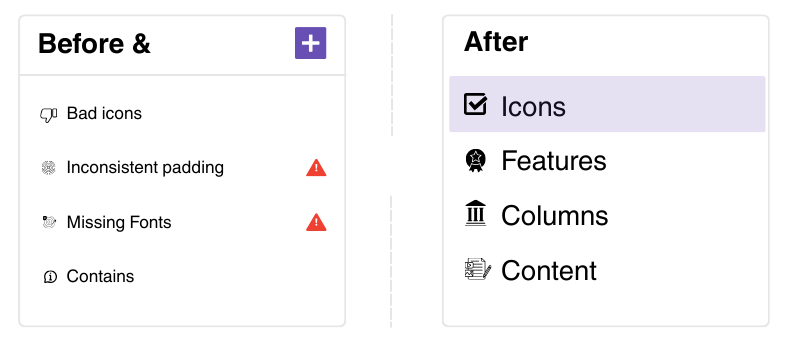
视觉完善
打磨布局并完全消除视觉噪音。
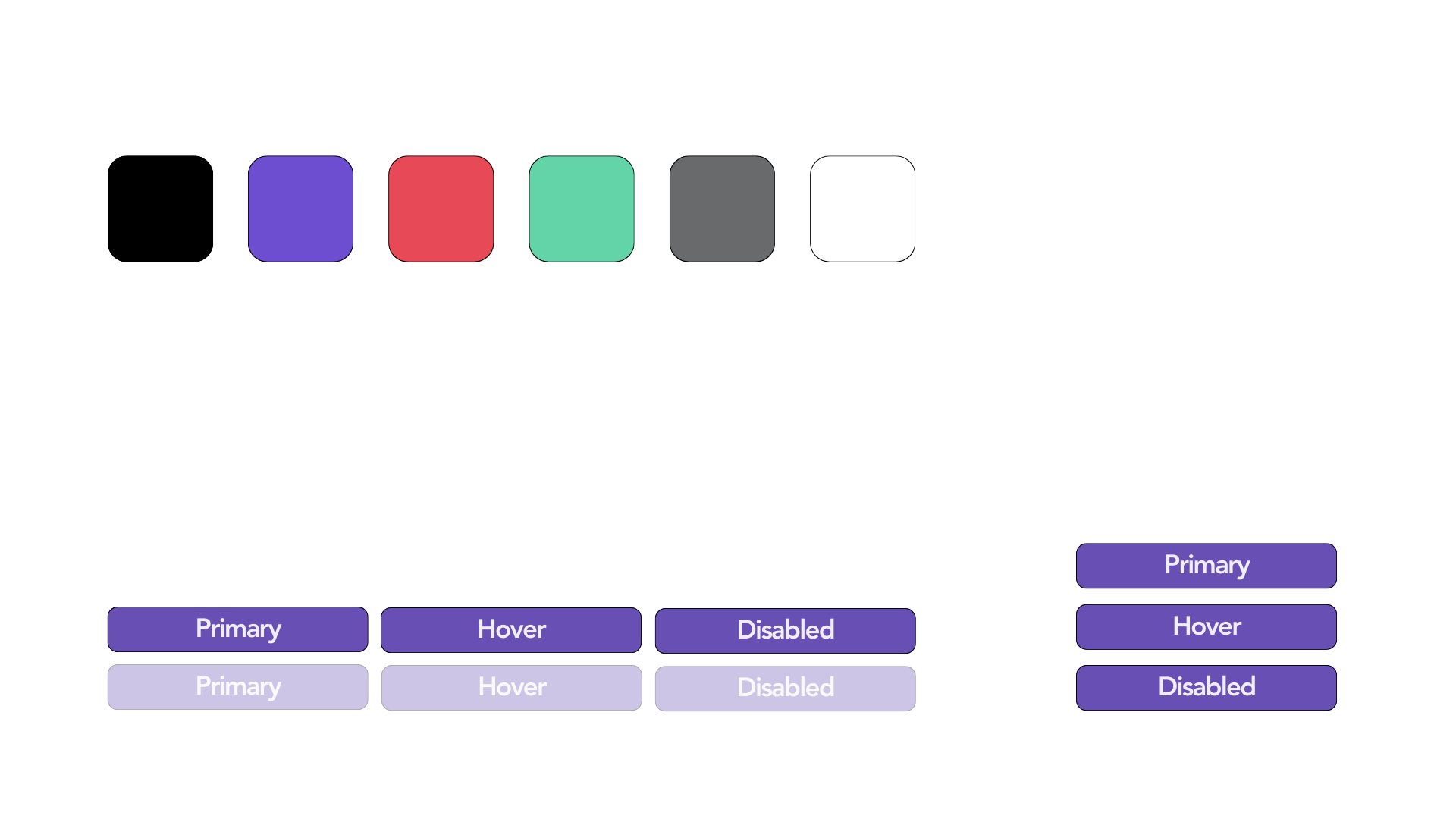
风格一致性
在所有输出中保持连贯的视觉语言。
Lokuma 平台
Lokuma 平台的一部分
Lokuma 构建的工具可帮助 AI 创造更好的数字体验。从端到端构建到精准的设计智能体能力。